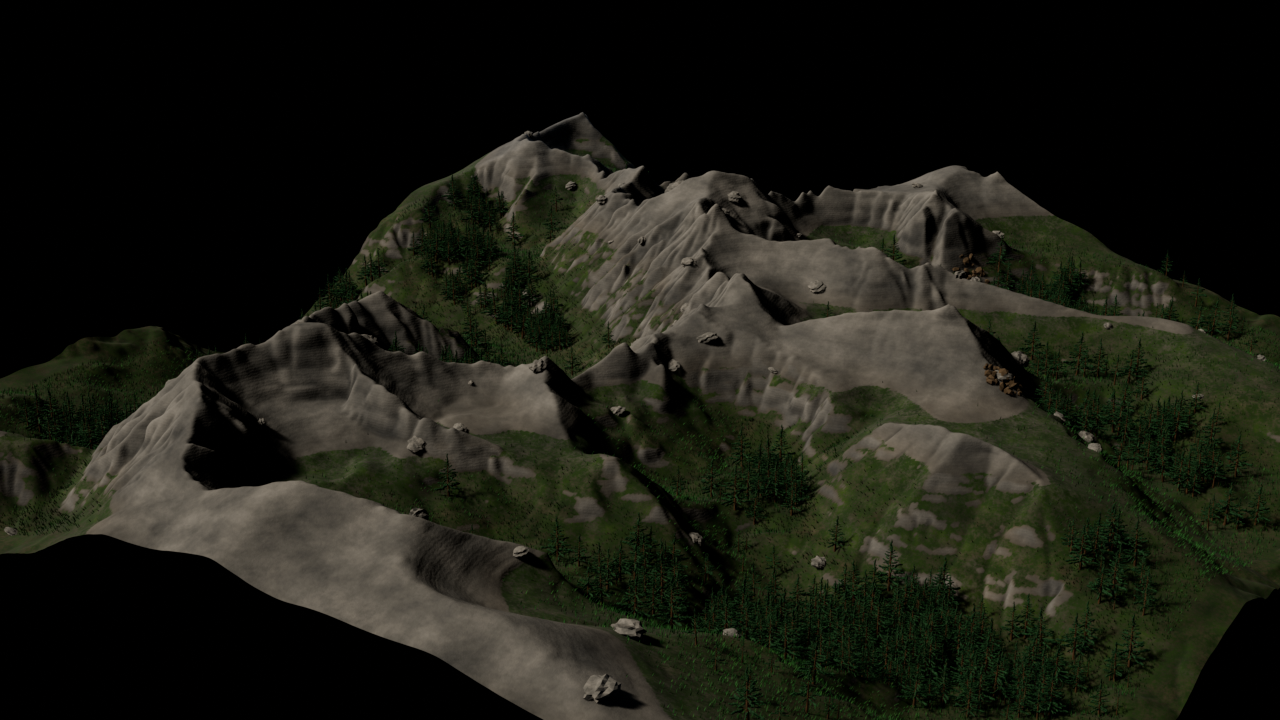
01 / Start
Import terrain
Bring in a Heightmap and establish the terrain foundation.
Terrain production, brought into focus
Create terrain in 2D. See it live in 3D - without leaving your workflow.
Terrain visual-development render · TerraLab Studio
Build readable terrain from the ground up. Materials, masks, and texture painting stay close to the geometry they shape.
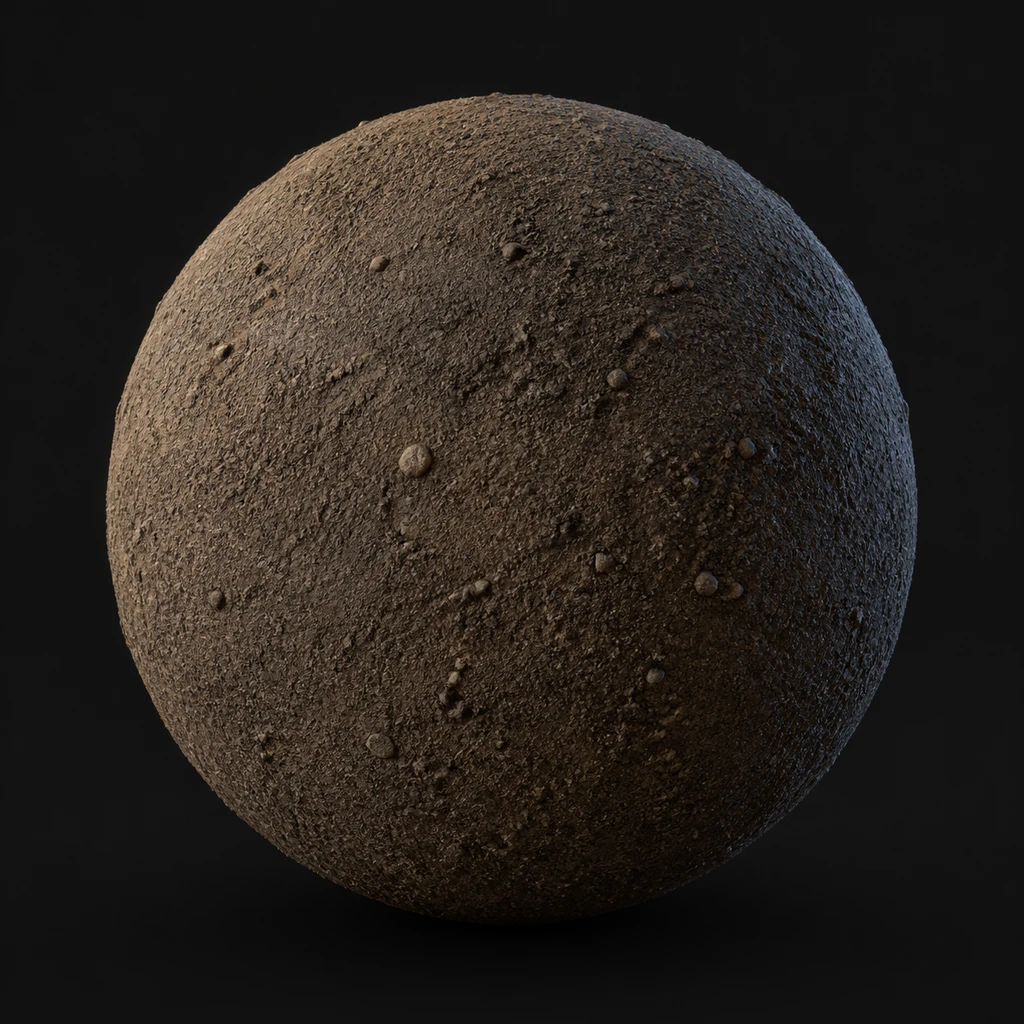
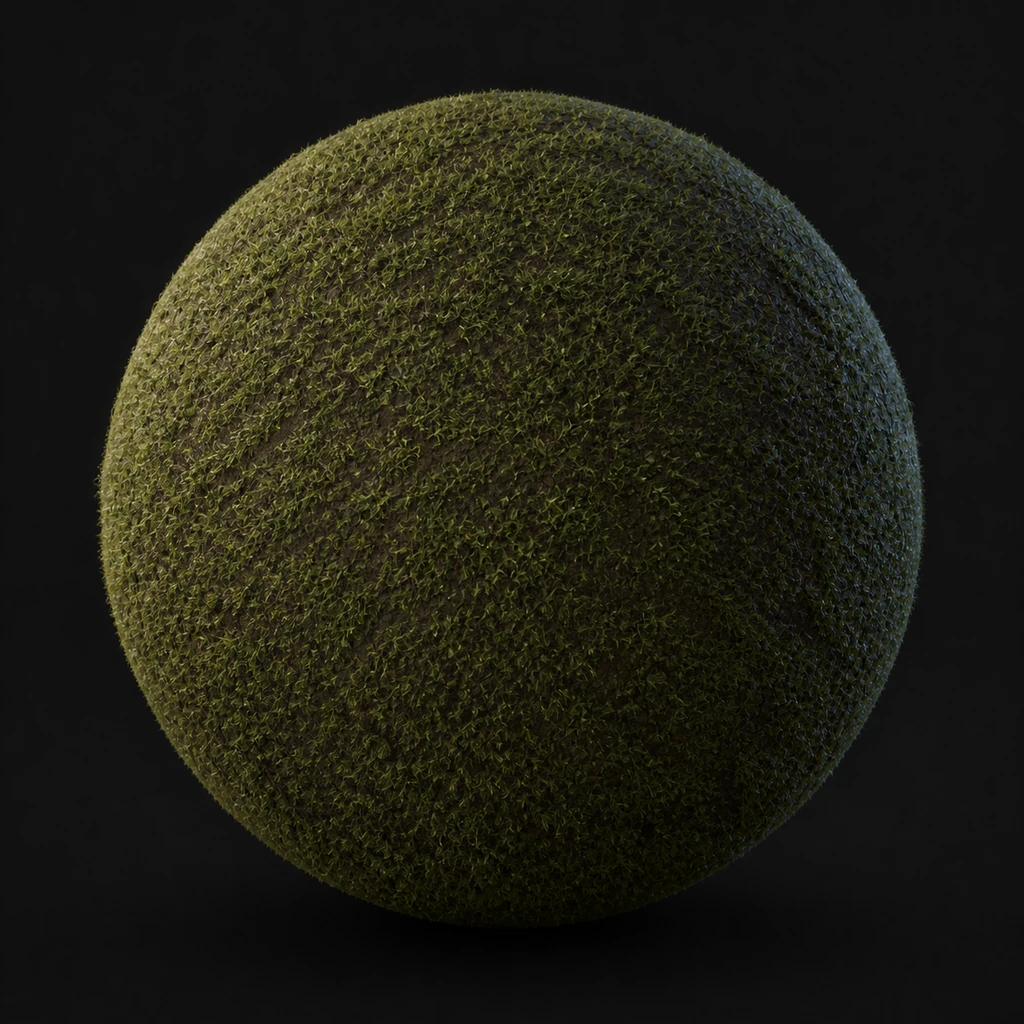
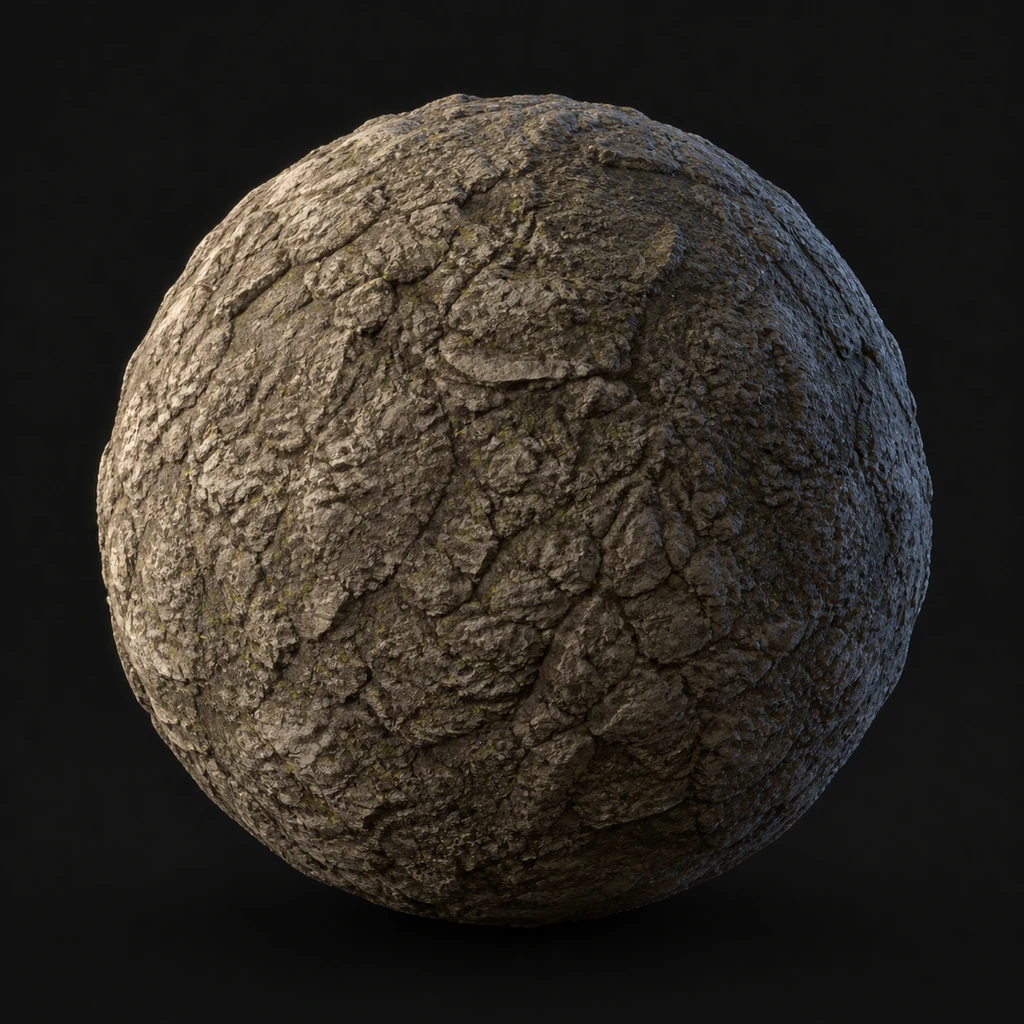
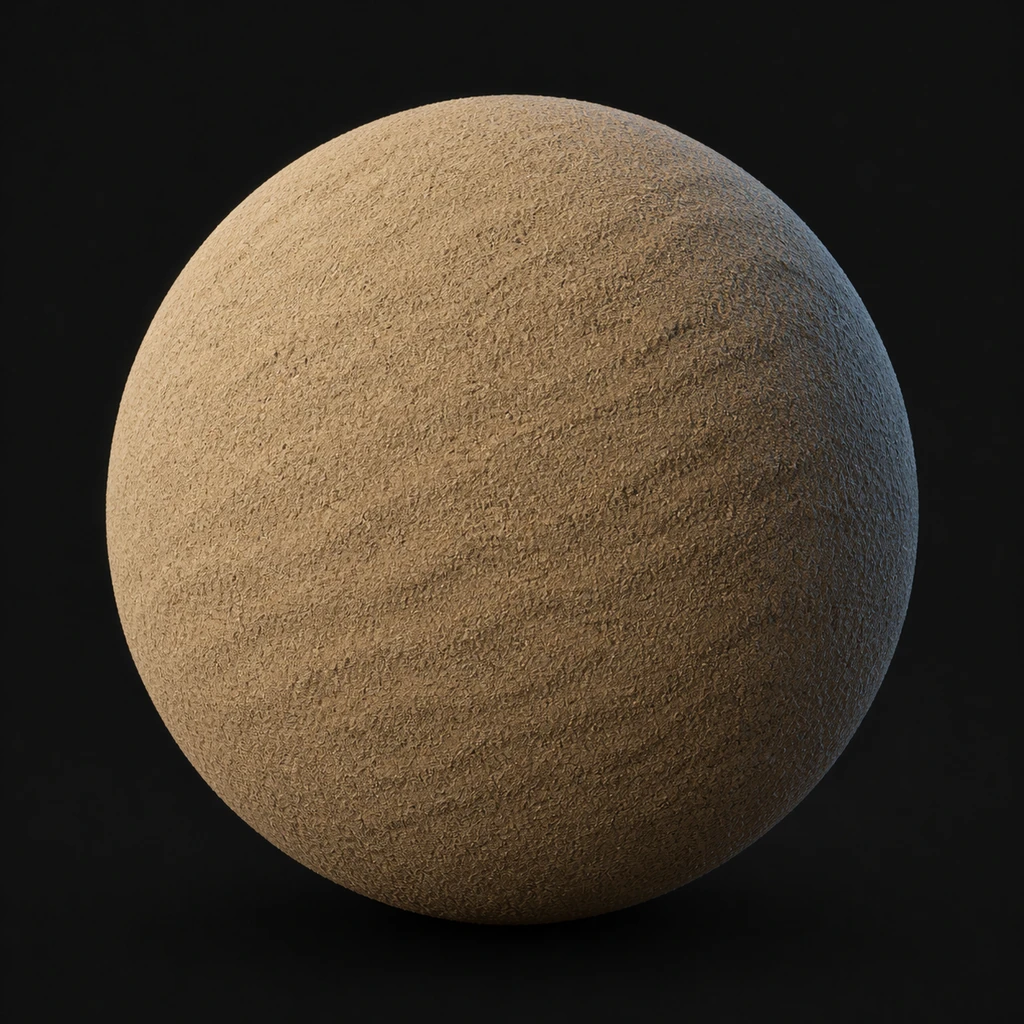
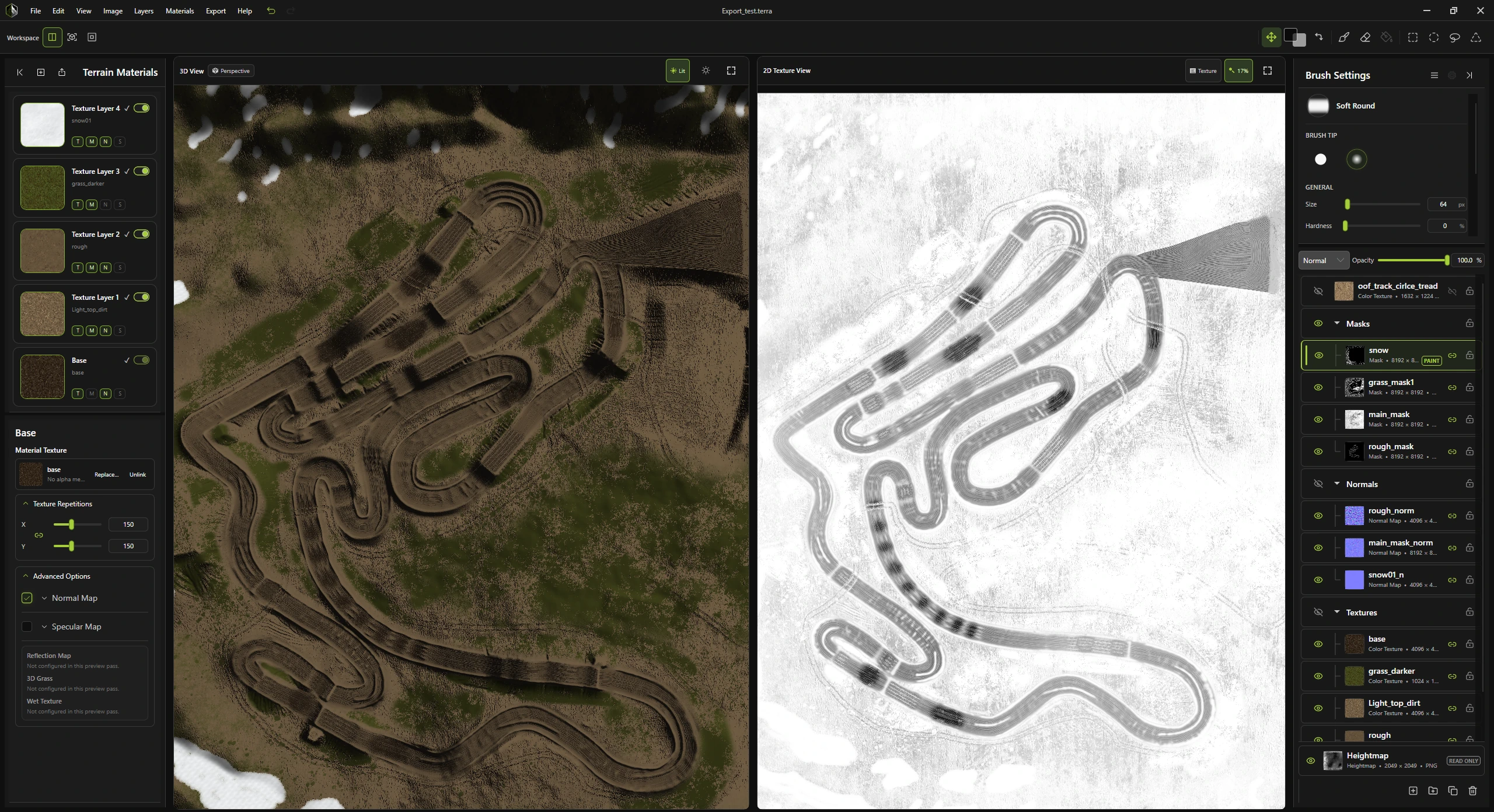
One workspace for the whole terrain. Link Texture Studio layers to terrain materials and see your changes update live in 3D.
01 / Start
Bring in a Heightmap and establish the terrain foundation.
02 / Author
Paint, mask, select, and refine the texture layers that shape the surface.
03 / Connect
Link texture and mask layers to Terrain Materials and watch the terrain update.
04 / Export
Prepare project work and terrain outputs for the tools and workflows that come next.
File support
Development status
The foundation is taking shape now. This first public page will evolve alongside the product as interface imagery, material studies, and release details become ready.
Active development